Why Is My Computer So Slow? What Actually Fixes It
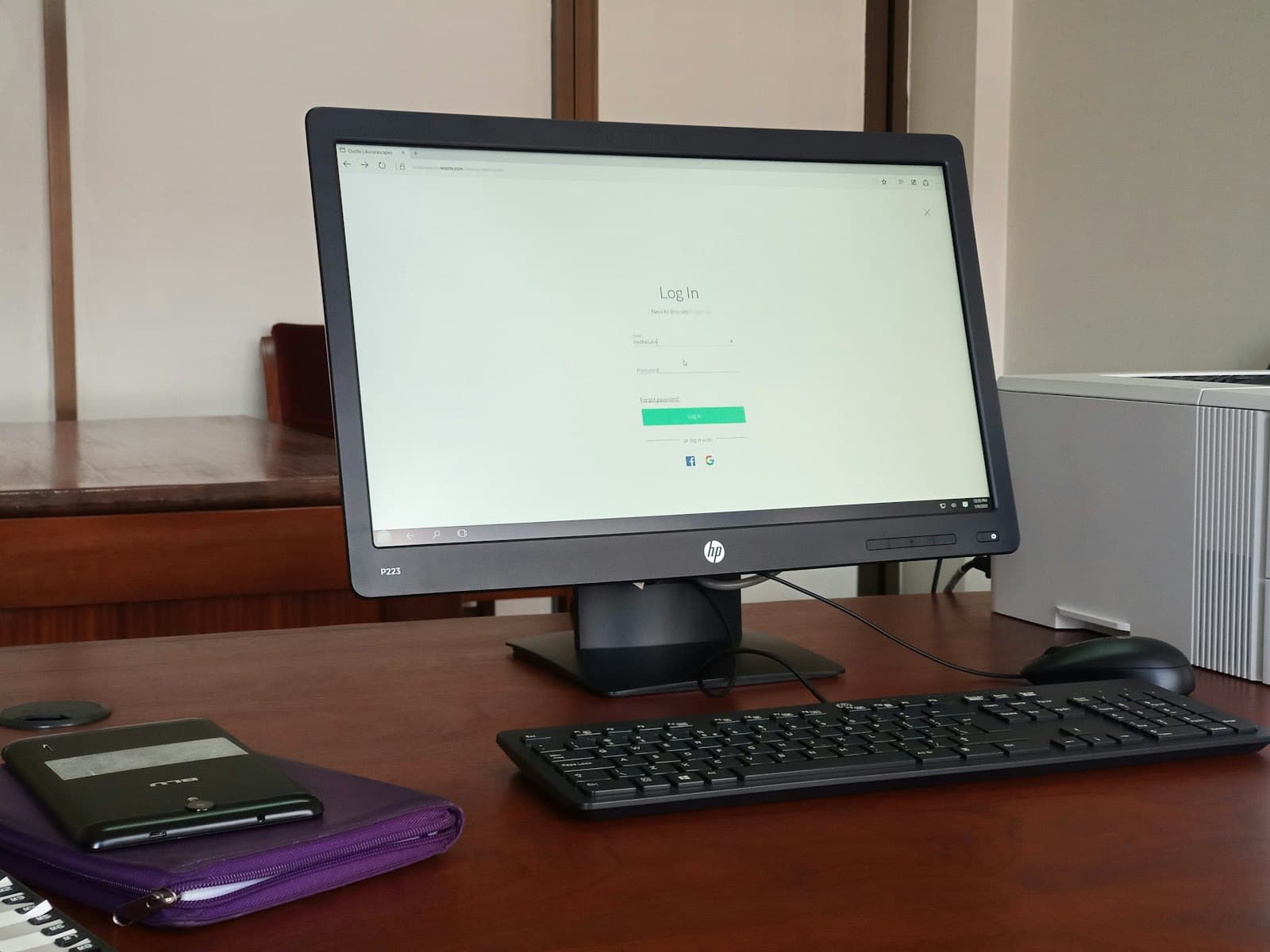
A computer that's gotten slower didn't get worse at math. The hardware performs exactly as well as the day you bought it. What changed is everything around it: more software running in the background, a fuller drive, a heavier operating system, and browser tabs that each want a few hundred megabytes.
That matters because it means "slow" is usually a fixable condition rather than a verdict on the machine. Here's how to find out which one you're dealing with.
First, notice which kind of slow it is
The symptom tells you where to look, and they point in genuinely different directions:
- Slow to start up, then fine — too many programs launching at boot
- Fast at first, degrading through the day — a memory leak or too much open at once
- Everything is slow, all the time, with the drive light constantly on — a failing or full drive, or too little RAM
- Only the web is slow — that's a network problem, not a computer problem
- Slow only in one program — that program, not the machine
That last distinction saves a lot of wasted money. If Chrome is sluggish but everything else is snappy, replacing the computer fixes nothing.
Check free disk space before anything else
This is the most common cause we see and the easiest to miss, because nothing warns you clearly. Both Windows and macOS need free space to work in — for virtual memory, temporary files, and updates. Below roughly 10–15% free, performance falls off a cliff.
The fix is rarely deleting documents. It's usually old downloads, cached files, previous OS versions, and applications nobody has opened in two years. Recovering 20% of a drive often makes a machine feel new without spending anything.
Then check what runs at startup
Software installs itself into startup routinely, and almost none of it asks. Updaters, sync clients, printer utilities, chat apps, and "helper" tools accumulate over years. Each one takes memory and a slice of CPU forever, whether you use it that day or not.
On Windows this lives in Task Manager under Startup apps; on a Mac it's System Settings under General, then Login Items. Disabling something here doesn't uninstall it — the program still opens normally when you click it. That makes this one of the safest changes you can make.
Work out whether it's RAM or the drive
These two account for most of the remaining cases, and they have very different fixes.
If the machine slows down as you open more things, and memory usage sits near 100% while CPU stays moderate, you're short on RAM. 8GB is workable for basic use and genuinely tight for a browser with twenty tabs plus a video call. 16GB is the comfortable floor for most office work now.
If the machine is slow even when idle, and the drive is busy constantly, the drive is the bottleneck. On any computer still running a spinning hard drive, swapping to an SSD is the single largest speed improvement available — usually a bigger difference than a whole new machine with a slow drive would be.
Rule out the boring causes
- Pending updates — a machine waiting to restart often runs degraded until it does
- Thermal throttling — a laptop full of dust runs hot and deliberately slows itself to cope; the tell is a loud fan and a hot underside
- Failing battery health — some laptops reduce performance on a badly degraded battery
- Security software overlap — two antivirus products installed at once will fight each other and cost you real speed
- Browser extensions — the most common cause of "the internet is slow" on an otherwise healthy machine
When replacing really is the right call
Sometimes it genuinely is. The honest triggers are: the machine can't take more memory and 8GB isn't enough for the work; it's no longer receiving security updates; a repair costs more than half of a replacement; or the failure is a component whose replacement isn't economical, like a logic board.
Age alone isn't a trigger. A well-specced machine from 2019 with an SSD and 16GB of RAM will comfortably outrun a budget machine bought last month.
The short version
Check free space, then startup programs, then whether you're short on memory or stuck on a spinning drive. Those four cover the large majority of slow computers, and three of them cost nothing to fix.
If you'd rather not work through it yourself, we can diagnose what's actually slowing a machine down and tell you plainly whether it's worth fixing or worth replacing. We serve businesses and homes throughout New Jersey.
Rather have someone handle it? This is part of our computer repair & setup service across Middlesex, Somerset and Mercer County.
Need a hand?
We handle this for New Jersey businesses and homes
Whether it's a one-off problem or ongoing support, we're happy to take a look — and to tell you honestly if you don't need us.