IT Support for Engineering Firms in NJ
Engineering firms break the assumptions behind most small-business IT. The machines aren't office PCs, the files aren't documents, and the network isn't mostly idle — a single model or drawing set can move more data across it than an entire office does in a day of email.
It's also a field where the technology and the liability are linked: the project archive is what you rely on years later when someone asks what was specified and why.
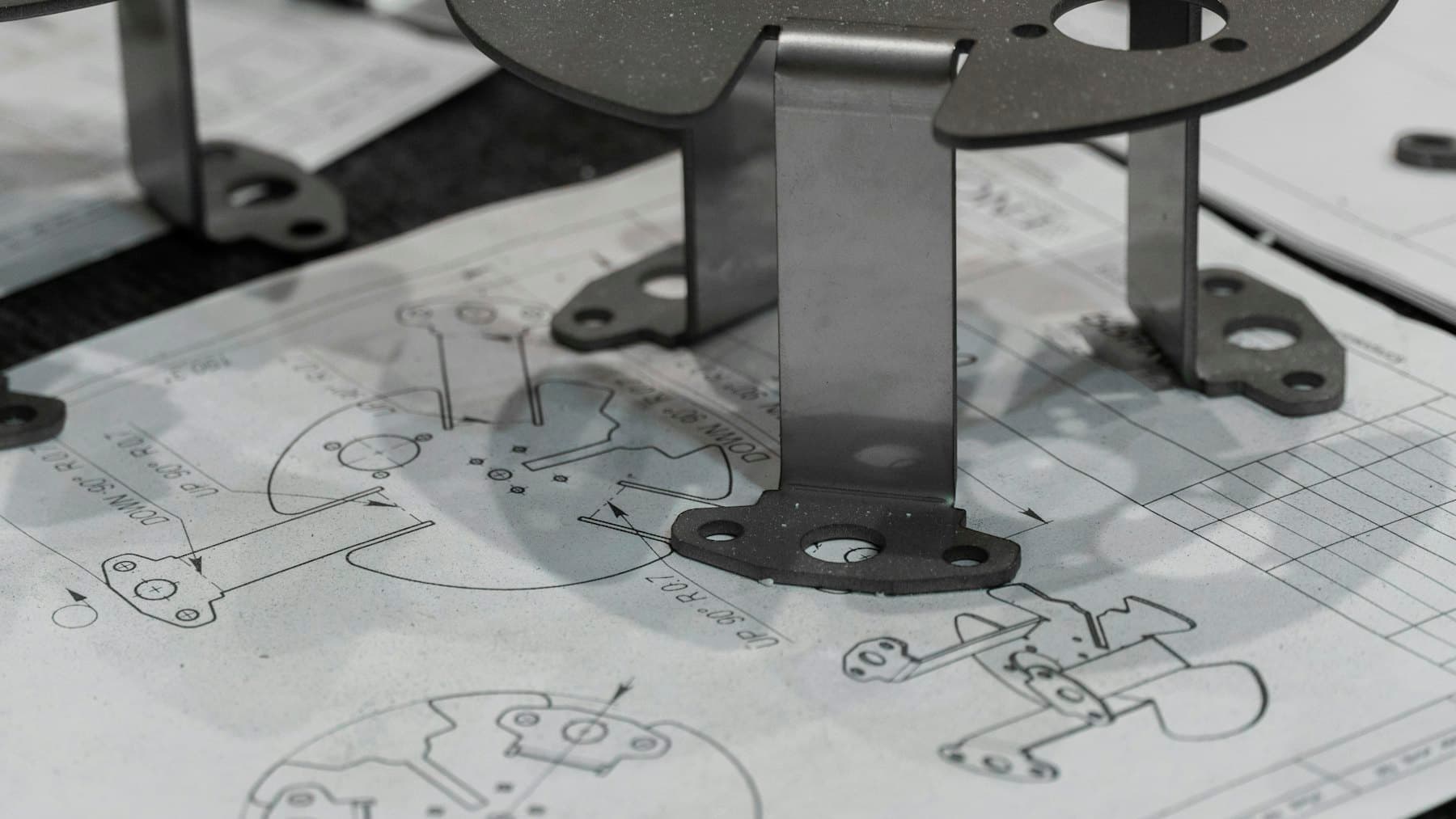
Workstations sized for the actual work
The most common expensive mistake we see is a firm buying good office computers for engineering work. They benchmark well, they feel fast opening email, and they stall on a large assembly or a mesh — because the constraint is memory and single-core speed, and for some workloads the graphics card, not the things a general-purpose spec sheet leads with.
It's worth checking against what your software vendor actually recommends rather than what a supplier bundles, and being honest about which staff need the expensive machine. Not everyone does, and spreading the budget evenly usually means nobody has enough.
Moving large files without moving them twice
When files are big, where they live stops being a filing question and becomes a performance one. Working directly off a share across a slow link is painful; working off a local copy invites the version problem, where two people each spend an afternoon editing a different copy of the same drawing.
There's no universal right answer — it depends on file sizes, how many people touch the same project, and what your software supports. What matters is that it's a deliberate decision with a rule everyone follows, rather than each engineer solving it privately.
Licences, plotters, and the archive
Three unglamorous things that reliably cause bad days. Licence servers and dongles: when the machine hosting them fails, everyone stops, so it belongs on the list of things that get backed up and can be rebuilt. Large-format plotting: usually a network and driver problem rather than a printer problem, and often the thing that fails on a submission deadline.
And the archive. Closed projects have to stay retrievable for years — not just present on a disk, but readable, with a copy somewhere other than the office. Worth testing occasionally by actually opening something from five years ago rather than assuming it would work.
What we're usually called for
- Specifying and building CAD and analysis workstations that match the software's real requirements
- Diagnosing slow model and drawing performance — often the network or memory, not the machine
- Network throughput for large files between workstations and storage
- Licence server and dongle setups that can be rebuilt if the host fails
- Large-format plotter setup, and the driver problems that surface at deadline
- Project archives that stay readable and exist in more than one place
- Backups sized for engineering data rather than office documents
Questions we get
Our CAD machines are slow. Is it time to replace them?
Often not. Slow model performance is frequently memory pressure, a saturated network link, or files being worked on across a slow share — none of which a new machine fixes. It's worth diagnosing where the time is actually going before spending, and that's usually a short job.
Can you build workstations to spec?
Yes. For engineering work that's frequently better value than off-the-shelf, because the money goes into the memory and processor the software actually uses rather than into a configuration built to hit a retail price.
How should we be archiving completed projects?
The principles are that the archive exists in at least two places, one of them off-site; that it's readable without the specific machine it was made on; and that someone tests a restore occasionally. The specifics depend on your volumes and your retention obligations, which are yours to set.
Talk to us
We work with engineering firms across Middlesex, Somerset, and Mercer County
Tell us what's going on and we'll give you straight next steps — including when the honest answer is that you don't need us.
The services behind this
- Managed IT supportProactive monitoring, patching, and help-desk support that keeps your systems healthy—so problems get solved before they cost you time.
- Computer repair & setupFree diagnosis over the phone or remotely. Then hardware and software troubleshooting, upgrades, and new-device setup—on-site or remote.
Other industries
- Small & medium businessesBusinesses of 5–50 people, with or without an IT person
- Medical & dental practicesPractice management, imaging, and the HIPAA side of IT
- Law officesConfidentiality, matter storage, and wire fraud defence
- Contractors & tradesJob sites, tablets, plans in the field, seasonal crews