HIPAA Checklist for a New Medical Practice: What to Do Before Day One
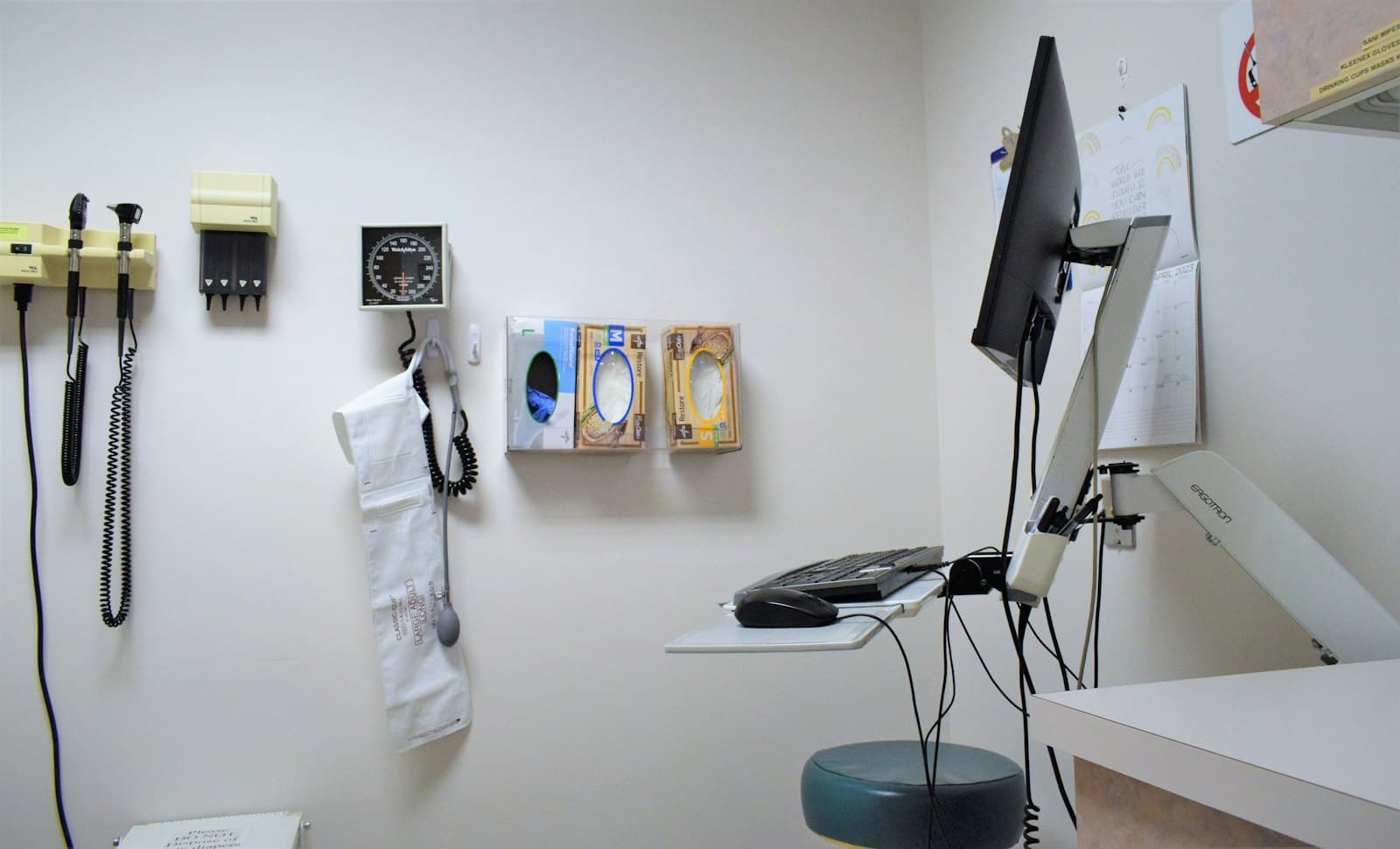
When you open a practice, HIPAA arrives as one more line on a list that already includes leases, credentialing, payer contracts and hiring. It tends to get handled by whoever sets up the EHR, which means it gets handled for the EHR and nothing else.
That's a shame, because the opening weeks are by far the cheapest time to get it right. Every system is new, there are three people to train instead of fifteen, and you can describe the whole setup on one page. The same work done two years in means retrofitting a busy office. This checklist is the security side of HIPAA, in the order we'd tackle it.
1. Get a business associate agreement from every vendor first
Before any patient information goes into a system, the company behind that system should have signed a business associate agreement (BAA). That's the contract in which a vendor agrees to protect the data it handles for you, and HIPAA requires one with every vendor that creates, receives, maintains or transmits patient information on your behalf — which includes an IT provider that supports the systems holding it.
The EHR vendor will offer one without being asked. The ones new practices miss are less obvious:
- Your email provider — a free Gmail account has no BAA at all
- Your IT provider, or anyone with remote access to your computers
- Cloud storage and backup services
- Billing companies, answering services, and online scheduling or intake forms
- Shredding and records-storage companies
If a vendor won't sign one, that's your answer about whether patient data belongs in their product.
2. One login per person, from the start
Every person who touches a system gets their own account — no shared "frontdesk" login, no doctor's password taped inside a drawer for the MA to use. Unique user identification is a required safeguard, and it's what makes your audit logs mean anything: if four people share a login, the log can't tell you who opened a chart.
It's a minor nuisance to set up in week one and a real project to unwind in year three, after the shared password has spread to the fax portal, the lab interface and the payer websites.
3. Turn on multi-factor authentication
Stolen passwords are how most small-practice breaches start, usually through email. Multi-factor authentication — a code from an app on your phone, on top of the password — stops the large majority of those attacks outright. Turn it on for email first, because email can reset every other account, then the EHR, then anything that allows remote access.
It is also one of the requirements HHS has proposed making explicit in its update to the Security Rule, so it's a control you'll want regardless. We cover that proposal in what's changing in the HIPAA Security Rule.
4. Encrypt every laptop and portable drive
Under HIPAA, a lost laptop with encryption turned on is generally not a reportable breach, because the data on it can't be read. The same laptop without encryption usually is — which means notification letters, a report to HHS, and possibly a call to the local news if enough patients are involved.
It's built into both Windows (BitLocker) and macOS (FileVault) and costs nothing. Turn it on before the machines are handed out, and keep the recovery keys somewhere that isn't the laptop.
5. Set up email properly
Patient information will end up in email whether or not you plan for it — referrals, lab results, a patient replying to an appointment reminder with their symptoms. Use a business email service that signs a BAA, turn on the encryption it offers for messages that carry patient data, and make sure everyone knows how to use it. Our piece on whether Gmail is HIPAA compliant covers the options.
6. Backups you have actually restored from
HIPAA requires a data backup plan and a disaster recovery plan. For a new practice that means knowing exactly what gets backed up — the EHR if it's on-site, imaging, scanned documents, anything saved locally — where the copies go, and that you can get them back.
Cloud-hosted EHRs handle their own backups, but check what they don't cover. Then do a test restore. A backup nobody has restored from is a hope, not a plan; our backup guide explains why.
7. Train the team before they see patients
Security awareness training is required for your whole workforce, and it's far easier to set expectations before habits form. Cover phishing, why logins are never shared, how patient information may and may not leave the office, and — most importantly — who to tell, immediately, if something looks wrong. Write down who attended and when.
8. Then do the risk analysis
The written security risk analysis is the foundation of HIPAA's Security Rule, and it's the document HHS asks for first after a breach or complaint. It records where patient information lives, what could realistically go wrong, and what you're doing about each risk.
Doing it last, once the systems above are in place, makes it short: you're largely documenting a setup that's already sound. Never doing it is the failure HHS cites again and again — it has an entire enforcement initiative built around it. We walk through it in what a HIPAA risk assessment actually involves.
The two items new practices miss most
In our experience: the BAA with the IT person (often a friend or relative who "set up the computers" and has remote access to everything), and the risk analysis itself, because nobody tells a new practice it's required. Both are cheap to fix in month one.
If you'd like a quick read on where you stand, our free HIPAA self-check takes two minutes. And if you're opening a practice in central New Jersey and want the setup done right from day one, that's exactly what our HIPAA security service is for.
Rather have someone handle it? This is part of our hipaa security & compliance service across Middlesex, Somerset and Mercer County.
Need a hand?
We handle this for New Jersey businesses and homes
Whether it's a one-off problem or ongoing support, we're happy to take a look — and to tell you honestly if you don't need us.