IT Support for Contractors & Trades in NJ
Most IT advice assumes an office. A contractor's office is a truck, a trailer, a kitchen table, and a site with no power on it yet — and the technology has to work in all of them or it doesn't get used at all.
That changes what good looks like. Reliability in the field beats sophistication at the desk, and anything that needs one particular person around to work will fail on a Saturday when that person isn't.
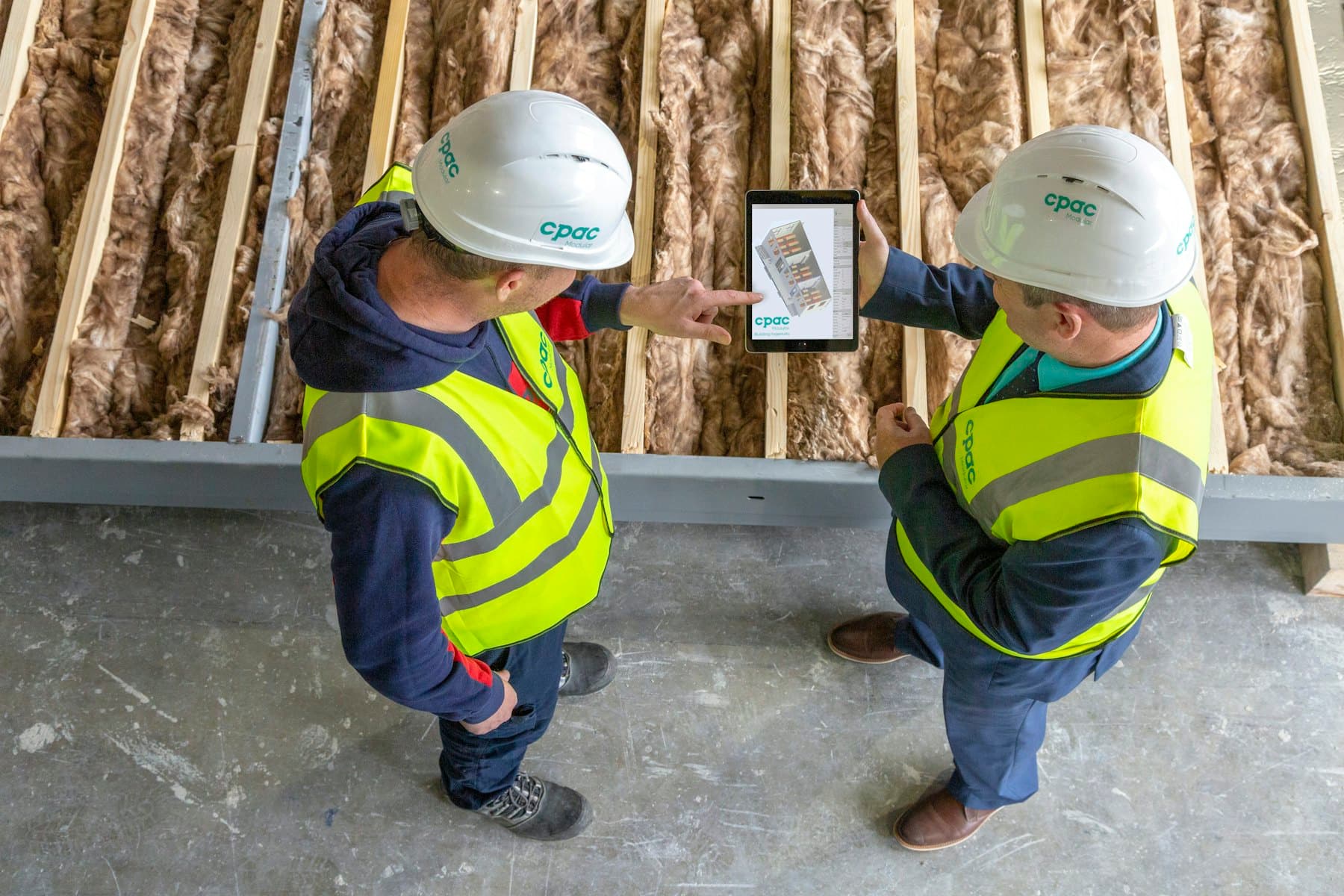
Getting the plans onto a screen that's actually there
The recurring problem isn't storage, it's reach. Plan sets, revisions, submittals, and photos are large, they change, and the person who needs the current version is standing on a slab with one bar of signal.
Two things fix most of it: files that sync for offline use rather than streaming on demand, so a dead spot doesn't mean a dead tablet; and one obvious place the current set lives, so nobody is working from a revision they emailed themselves in March. The second is harder, because it's a habit rather than a setting.
Devices that get dropped, soaked, and left behind
Site hardware has a shorter life than office hardware and there's no point pretending otherwise. The useful planning question isn't how to prevent it — it's what happens the day a tablet goes in the mud or off the back of a truck.
If the answer is "we lose the photos from that job," that's a documentation problem waiting to become a dispute. Job photos are evidence: of conditions before you started, of what was behind the wall, of what the change order was for. They belong somewhere central automatically, not in a camera roll that leaves with the phone.
Crews that change with the season
Onboarding and offboarding hit trades harder than most businesses because it happens more often and faster. Someone starts Monday and needs access; someone leaves in October and keeps a login nobody remembers.
The fix is boring and effective: one written list of what a new person gets and what a leaving person loses, so it's a five-minute checklist rather than a memory exercise. We wrote a general version in the new employee IT checklist — the seasonal case just runs it more often.
What we're usually called for
- Plans, photos, and documents reachable from a phone or tablet on site, including offline
- Job photos landing somewhere central automatically instead of in a personal camera roll
- Estimating and takeoff software running properly on the office machines
- Connectivity options for trailers and sites with no fixed line
- Fast onboarding and offboarding for seasonal crews and subcontractors
- Backups that include the one office machine everything actually lives on
- Replacing or repairing site devices without losing what was on them
Questions we get
Half our work is off-site. Is that a problem?
It's the normal case for contractors, and it mostly changes where the effort goes: less about the office network, more about making files reachable from the field and devices replaceable without loss. Much of it we can set up once and leave running.
Our estimating software only runs on one computer. Should we worry?
Worth understanding rather than worrying about. The questions are whether it's backed up in a way that would let you rebuild it, whether the licence can move to a new machine, and how long you'd be down if it died mid-bid. If those answers are uncomfortable, it's usually a small job to fix.
Can you help with internet at a job site?
Sometimes, depending on the site. Cellular options work for a lot of trailers, and where coverage is poor there are antenna and failover setups worth considering. We'll tell you honestly when the answer is that the site just doesn't have decent signal yet.
Talk to us
We work with contractors & trades across Middlesex, Somerset, and Mercer County
Tell us what's going on and we'll give you straight next steps — including when the honest answer is that you don't need us.
The services behind this
- Managed IT supportProactive monitoring, patching, and help-desk support that keeps your systems healthy—so problems get solved before they cost you time.
- Computer repair & setupFree diagnosis over the phone or remotely. Then hardware and software troubleshooting, upgrades, and new-device setup—on-site or remote.