Why Does My Printer Keep Going Offline? A Real Fix
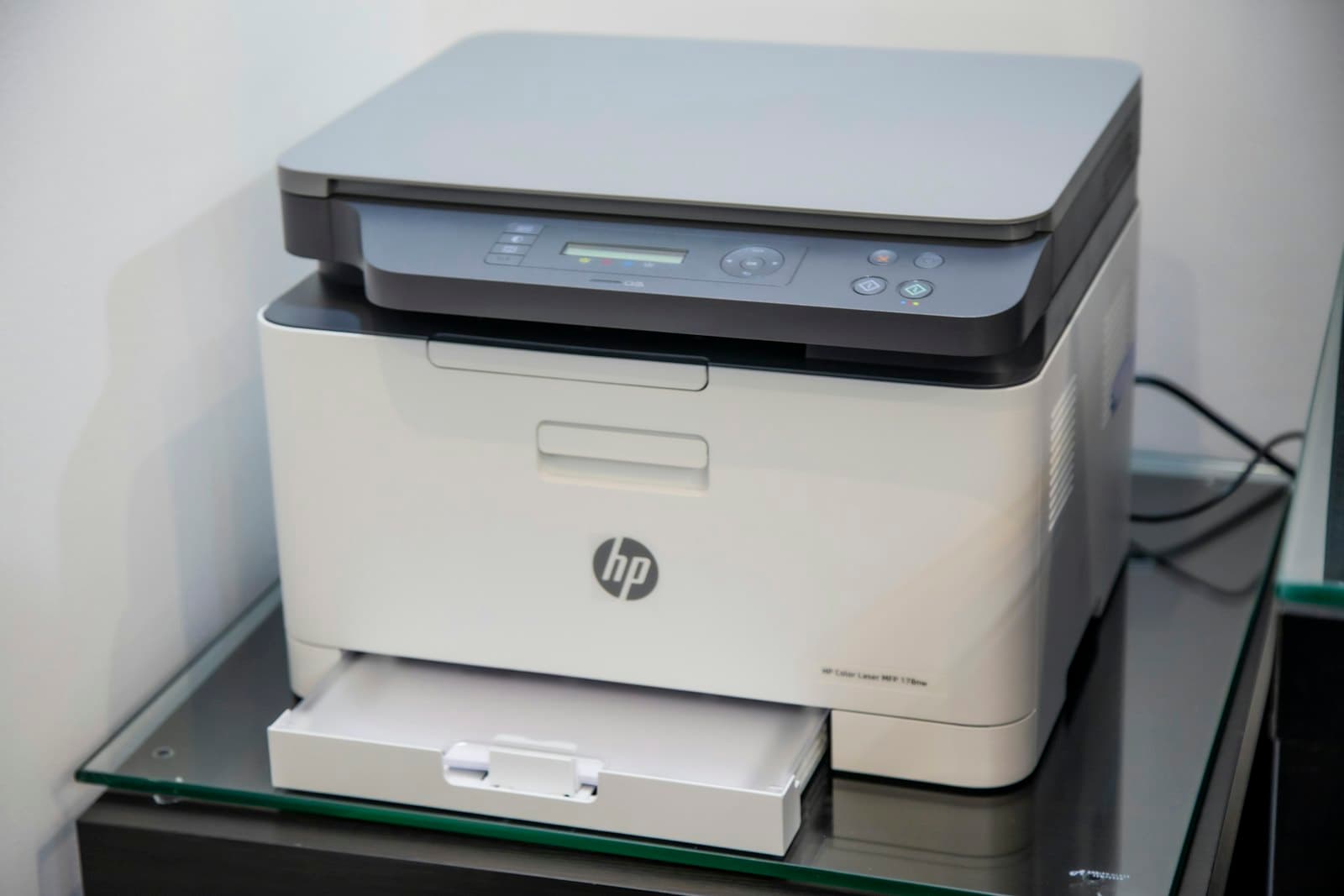
Few things are more reliably annoying than a printer that says it's offline while sitting three feet away, powered on, with a green light. You restart it, it works for a week, and then it's offline again.
The repeating pattern is the important clue. A one-off is bad luck; a recurring one has a cause, and it's usually the same cause.
The usual culprit: the printer's address keeps changing
When a printer joins your network, your router hands it an IP address — the number other devices use to find it. By default that address is a lease, not a permanent assignment. It can change when the printer sleeps, when the router restarts, or when enough other devices join.
Your computer, meanwhile, memorized the old address when you set the printer up. So it's sending print jobs to an address where nothing is listening, and reports the printer as offline. The printer is fine. The map is wrong.
This is exactly why restarting things works temporarily and never permanently: it forces a fresh lookup, which succeeds until the address changes again.
The permanent fix: give it a fixed address
There are two ways, and one is meaningfully better.
The better way is a DHCP reservation on your router. You tell the router "this specific printer always gets this specific address," identified by its hardware MAC address. The printer keeps asking for an address normally, but always receives the same one. It survives factory resets on the printer and keeps all your address management in one place.
The alternative is setting a static IP on the printer itself, from its control panel or web interface. This works, but you have to pick an address outside the router's automatic range, or you'll eventually collide with another device and create a stranger problem than the one you started with.
If the address isn't the problem
A handful of other causes produce the same symptom:
- Deep sleep — some printers sleep so aggressively they stop responding to the network; look for a sleep-timer or "eco" setting and lengthen it
- Dual-band confusion — the printer joined the 2.4GHz network and your laptop is on 5GHz; on most home routers these can talk, but with guest-network isolation or some mesh setups they can't
- "Use Printer Offline" got ticked — a real Windows setting that stays ticked until you untick it, in the print queue under the Printer menu
- A stalled print queue — one failed job at the front blocks everything behind it and can present as offline
- Wi-Fi credentials changed — if you changed your Wi-Fi password, the printer has no way to tell you it's been locked out
The one change that helps most
If a printer sits near a network port, run a cable to it. A wired printer sidesteps every Wi-Fi failure mode at once — sleep, band confusion, signal, credentials — and printers rarely move. It's the least glamorous fix on this list and by a distance the most durable.
The short version
Recurring offline almost always means a moving IP address. Reserve one on the router, re-add the printer using it, and the problem stops coming back instead of getting restarted away every week.
If setting up a router reservation isn't something you want to spend an afternoon on, this is a quick job to hand off. We set up printers and connected devices for businesses and homes across New Jersey.
Rather have someone handle it? This is part of our networks & wi-fi service across Middlesex, Somerset and Mercer County.
Need a hand?
We handle this for New Jersey businesses and homes
Whether it's a one-off problem or ongoing support, we're happy to take a look — and to tell you honestly if you don't need us.