Cybersecurity for Dental Offices: The Gaps We Find Most Often
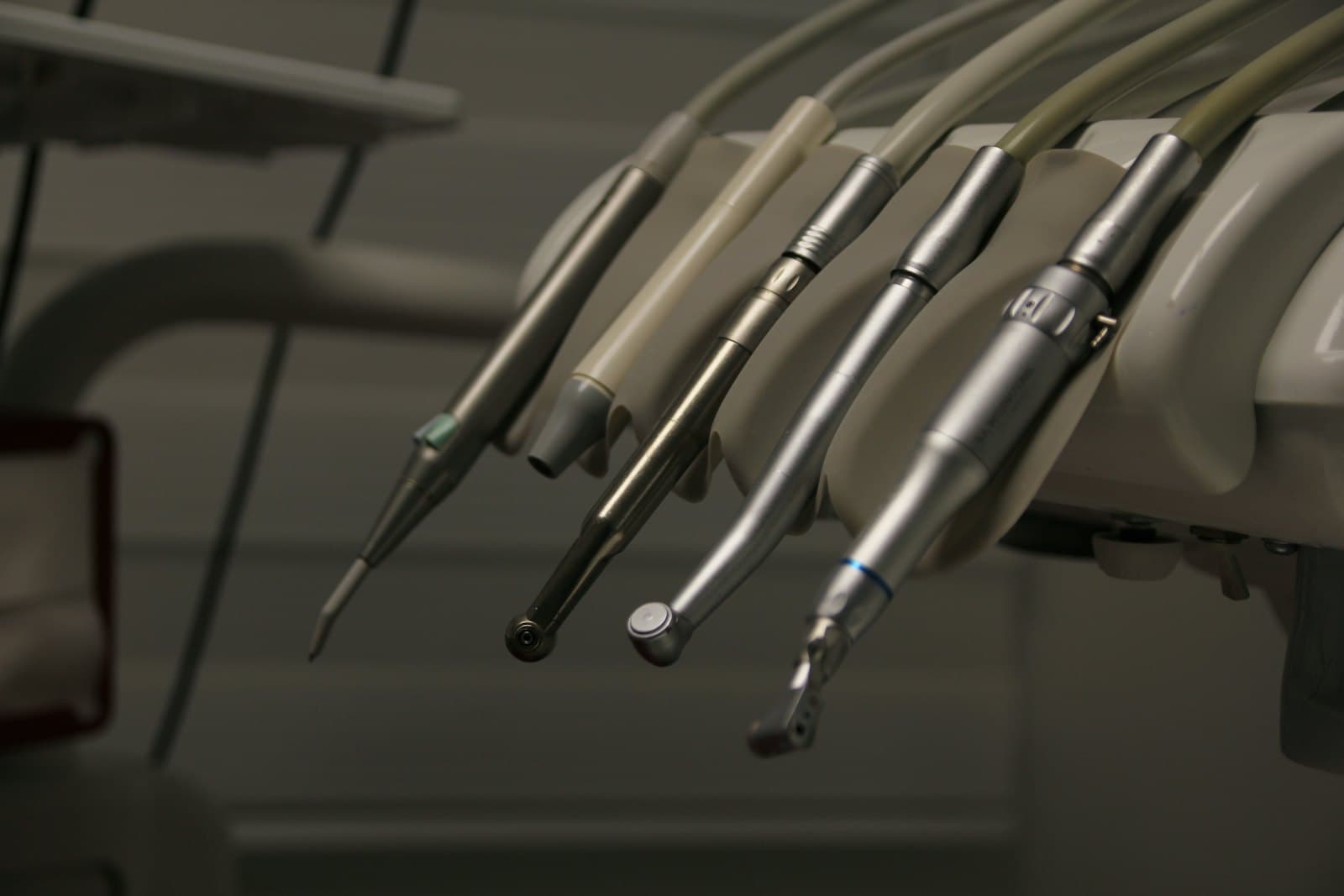
Dental practices have a security profile all of their own. They hold the same patient information as any medical office — insurance details, dates of birth, Social Security numbers, health histories — but they run on a mix of practice management software, imaging hardware and vendor-managed machines that most general IT advice doesn't account for.
These are the gaps we find most often, roughly in order of how much risk they carry.
1. The imaging PC that can't be updated
Almost every dental office has one: the workstation connected to the sensor, the pan or the CBCT, running an older version of Windows because that's what the imaging vendor certified. It's often the most fragile and least protected machine in the building — and it's on the same network as everything else.
Replacing it on a whim isn't usually the answer. Isolating it is: put it on its own network segment so it can talk to the imaging server and nothing else, keep it off the internet where possible, and keep a tested image so it can be rebuilt rather than rediscovered if it fails.
2. The shared front-desk login
One account for the front desk, used by whoever is on shift, with a password that hasn't changed since the office opened. It's convenient, and it means the practice management system's audit log can't tell you who looked at a patient's record. HIPAA requires unique user identification, and an investigator will ask.
Most practice management systems support fast user switching or badge sign-in for exactly this reason. It's worth the half-day to set up.
3. Vendors with permanent remote access
Practice management, imaging and equipment vendors all need to connect remotely for support, and many leave remote-access tools installed and permanently enabled. Each one is a door into your network, protected by the vendor's security rather than yours. Remote access tools are a well-established route into healthcare networks.
Keep a list of which vendors have remote access and how. Where possible, switch to access that's enabled on request and turned off afterwards. And make sure every one of those vendors has signed a business associate agreement.
4. Backups that don't include the images
The practice management database is usually backed up, because the vendor set it up at install. The imaging archive — larger, often on a different machine, and part of the patient record — frequently isn't, or is copied to a USB drive sitting next to the server where ransomware can reach it too. Test it the way that matters: restore a specific patient's images from a specific date onto a different machine.
5. Email used as a file transfer service
X-rays sent to a specialist, treatment plans emailed to a patient, insurance attachments forwarded from a personal account. Email is fine for this if it's a business service covered by a BAA, with encryption available and multi-factor sign-in on every account. A front-desk Gmail account isn't. See is Gmail HIPAA compliant? for the options.
6. No written risk analysis
This is the one that matters most in an HHS investigation, and the one we find missing most often in small practices of every kind. It's also the document that would have flagged everything above. Our guide to what a HIPAA risk assessment involves explains it plainly.
Where to start
If you're not sure which of these apply to your office, our free HIPAA self-check takes two minutes. For a proper look — risk assessment, staff training, and the fixes handled by the same people — see our HIPAA security service, or read more about how we work with medical and dental practices across central New Jersey.
Rather have someone handle it? This is part of our hipaa security & compliance service across Middlesex, Somerset and Mercer County.
Need a hand?
We handle this for New Jersey businesses and homes
Whether it's a one-off problem or ongoing support, we're happy to take a look — and to tell you honestly if you don't need us.